Swipe between faces.
Every face is yours.
A face is a whole screen: photos, a clock, the weather or your home. You make one of every kind, more of the same kind with Plus, and swipe between them.
One face, full screen. That’s how it stays on all day.
Pinch, and you see them all. Pick one, put them in order or add another.
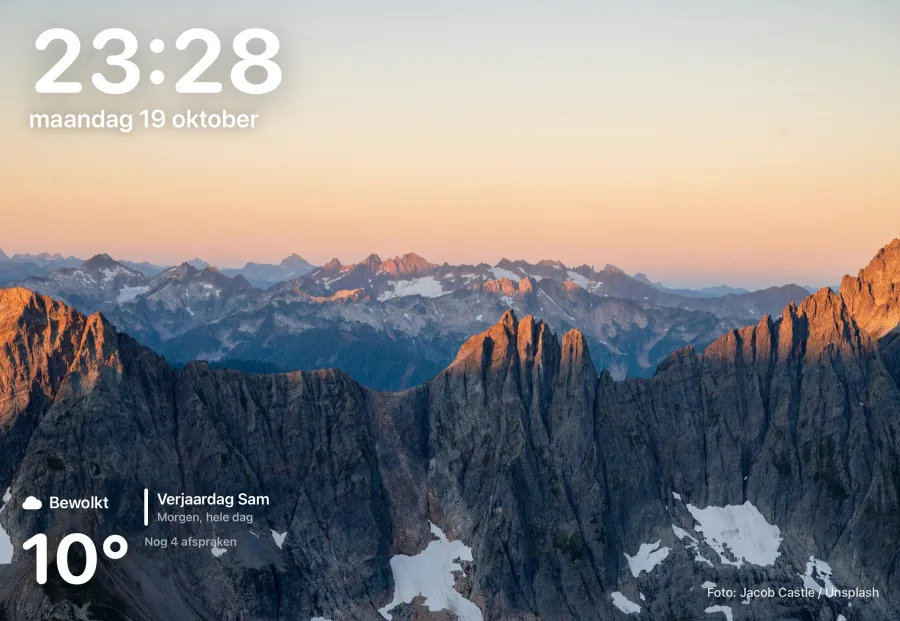
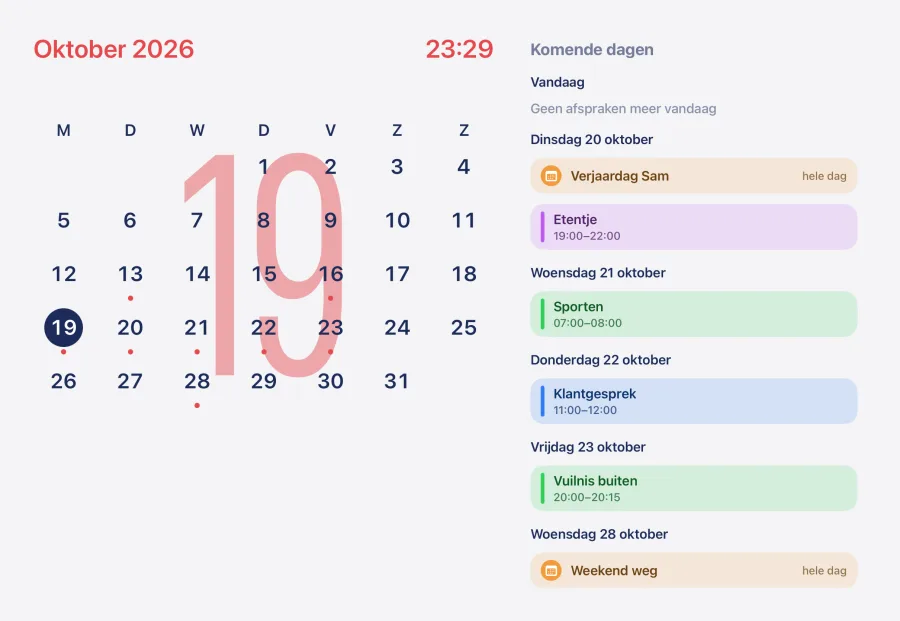
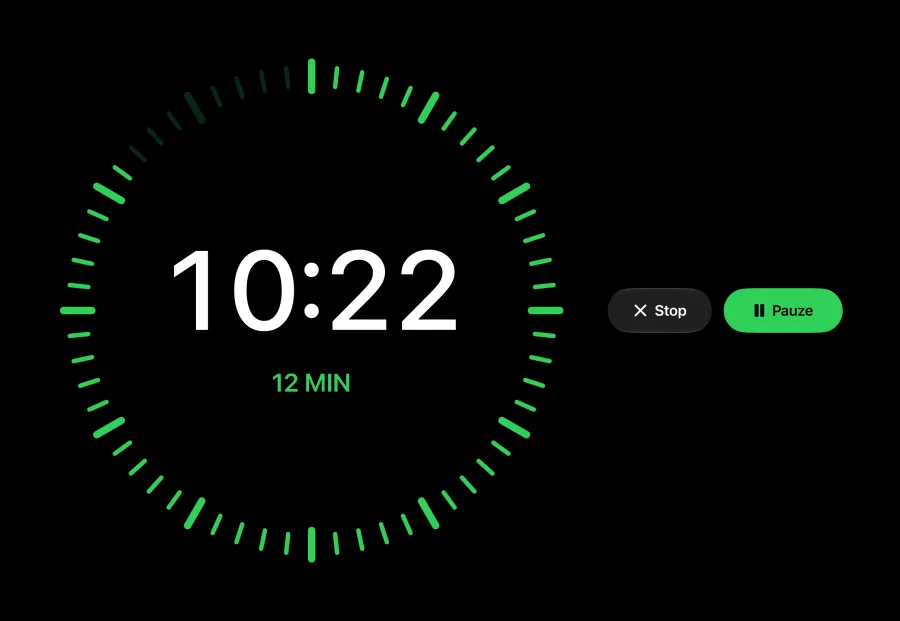
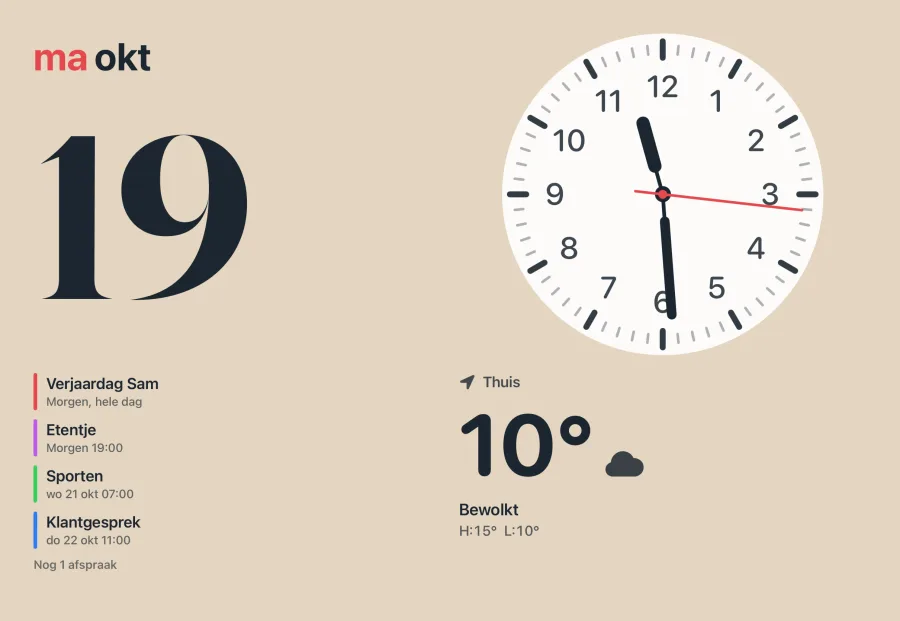
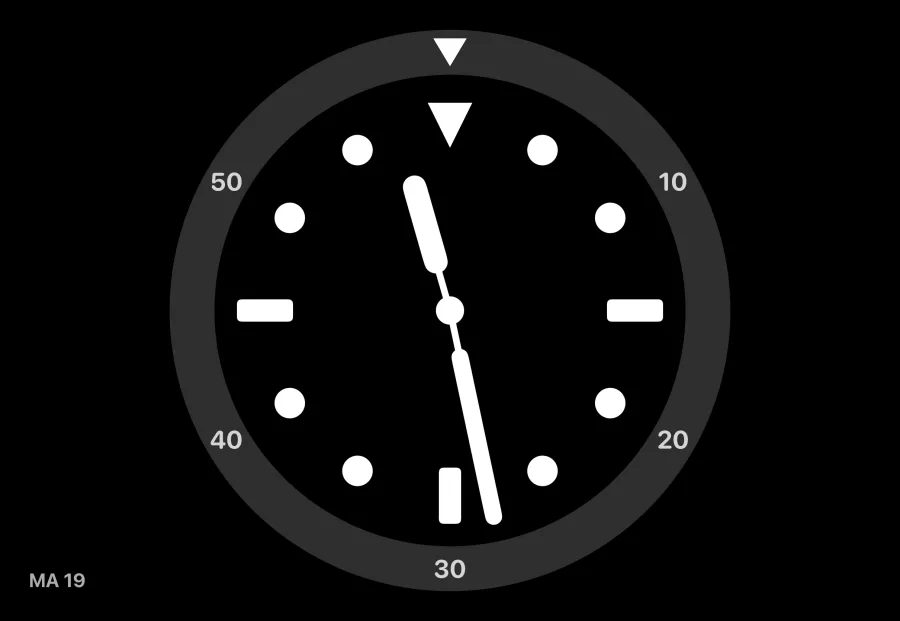
Twelve kinds of faces.
More of the same kind with Plus.

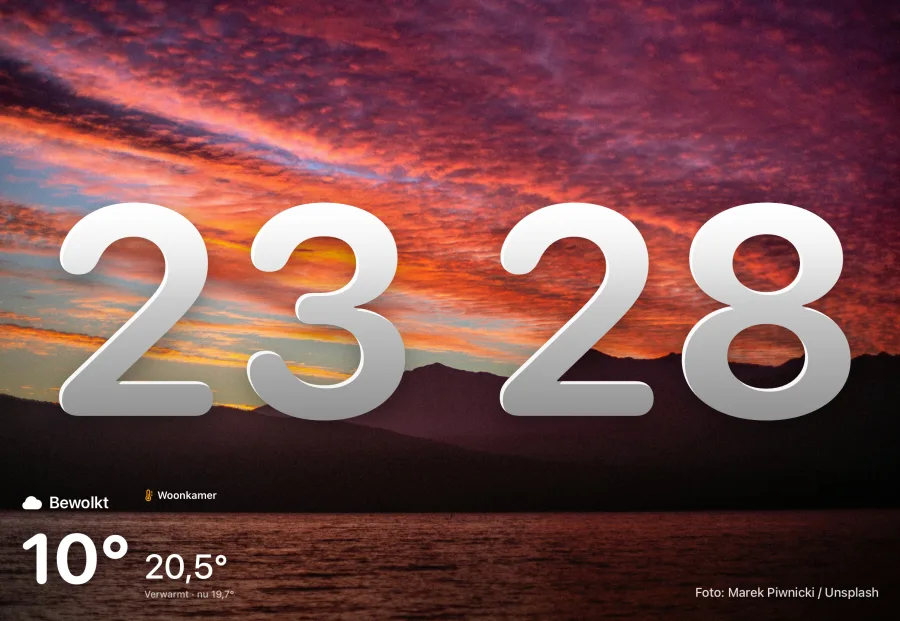
Photos. From a shared iCloud album, with the clock beside, below, small, or behind the person in the photo.
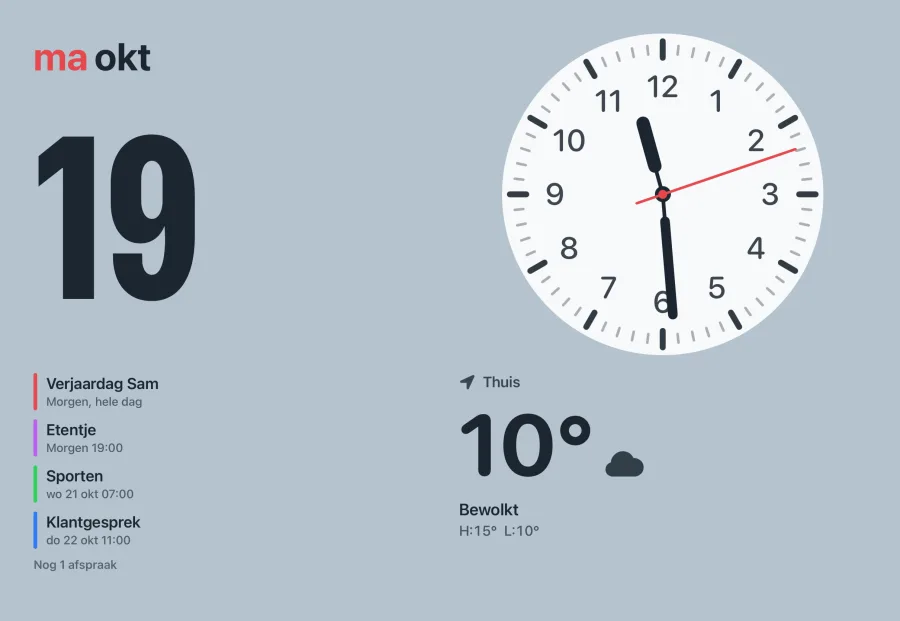
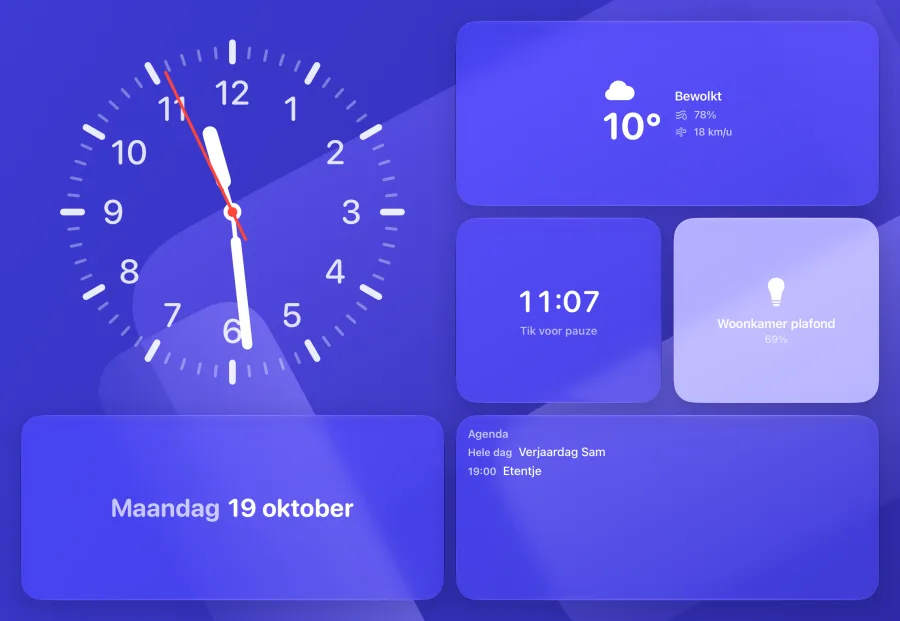
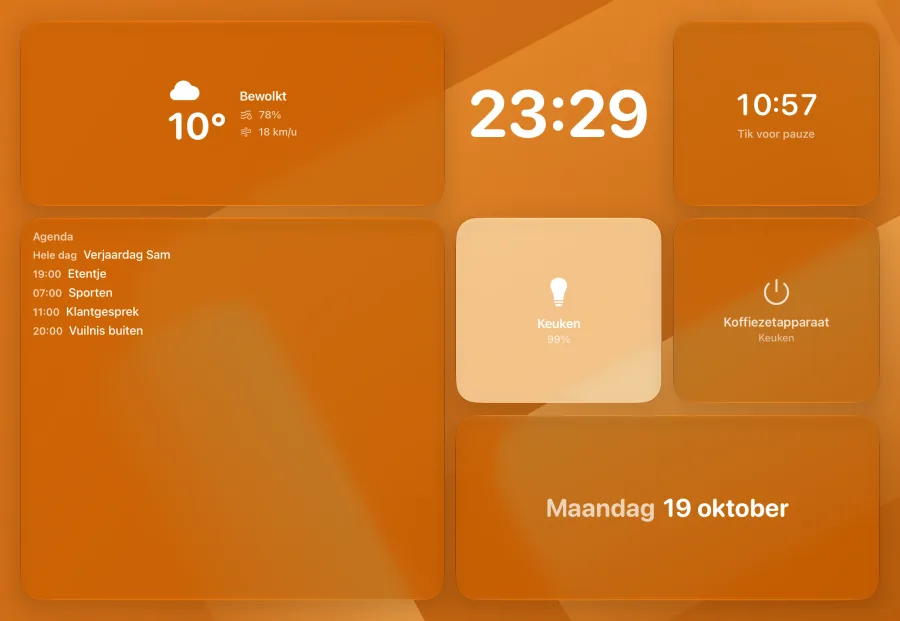
Modular. Four fixed slots with widgets: date, music, weather or a device.
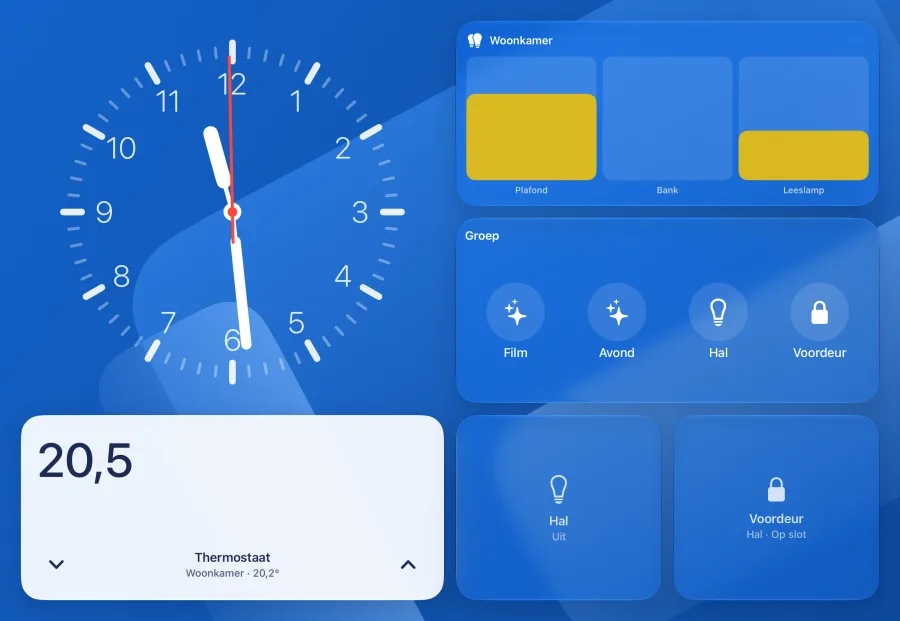
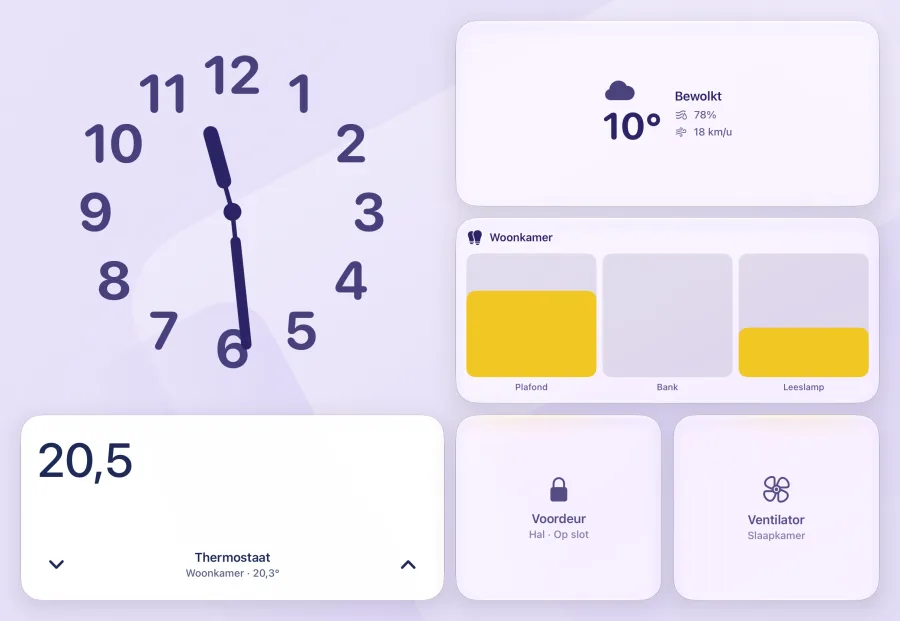
Home. Your devices as tiles, big enough to hit from the couch.
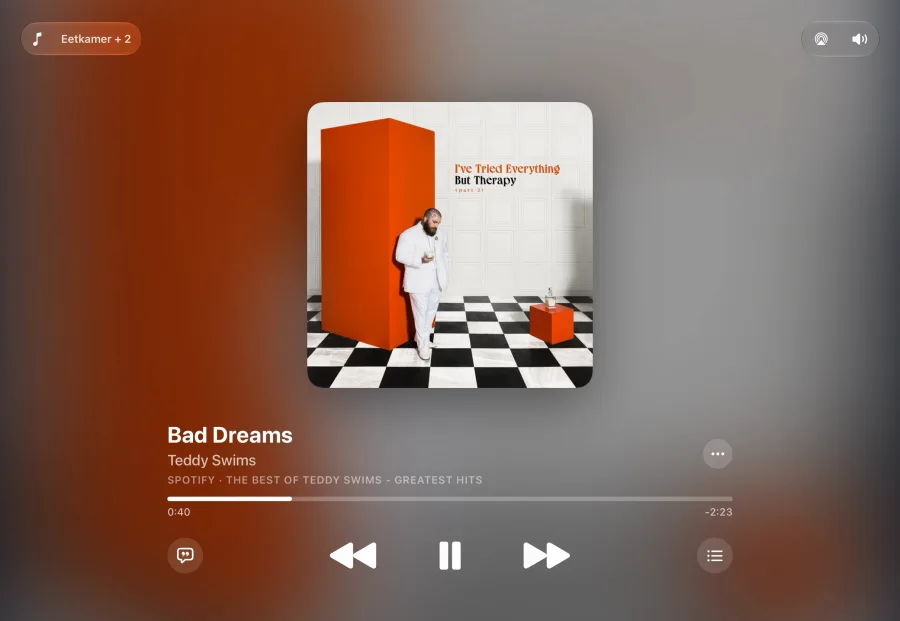
Music. What is playing, with artwork, lyrics, queue and speakers. Via Home Assistant.
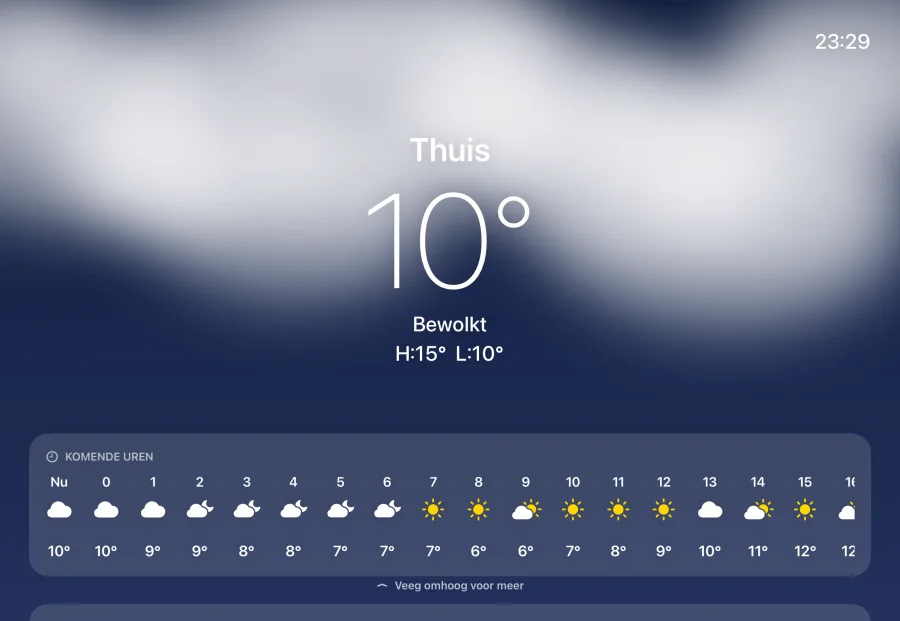
With Home AssistantWeather. At home, here or anywhere, with the hourly forecast and ten days ahead.
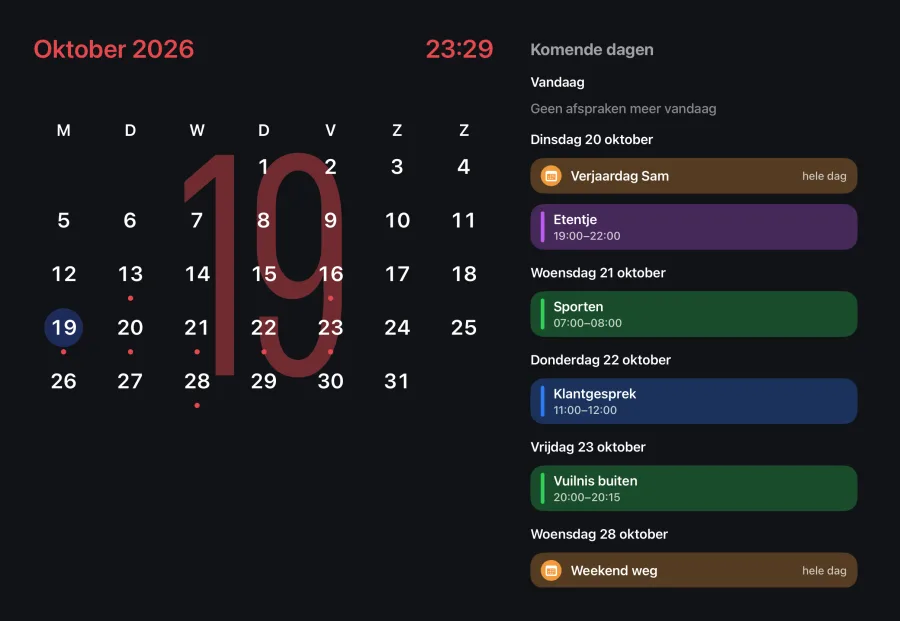
Calendar. Your appointments for the coming days, from the calendars on your iPad.
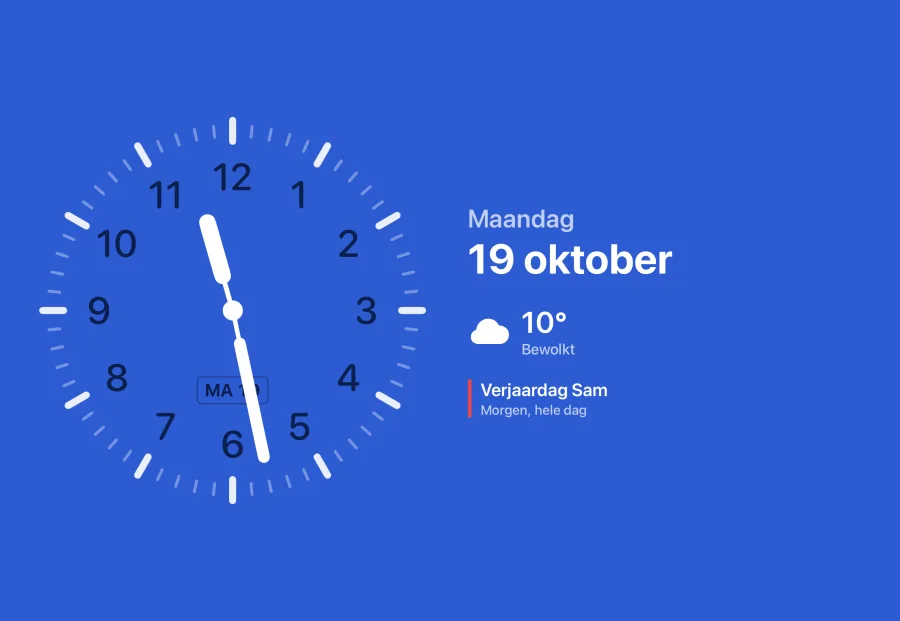
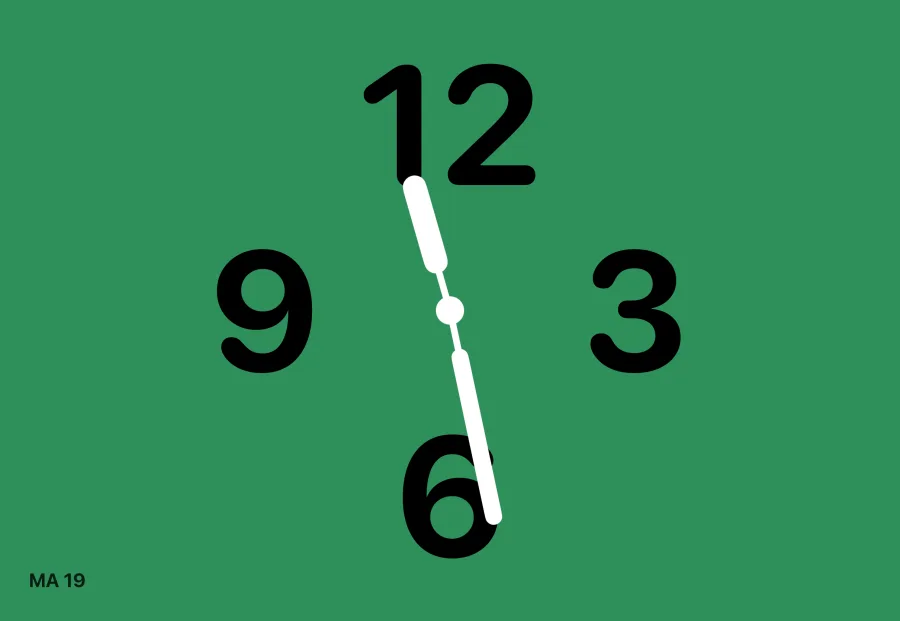
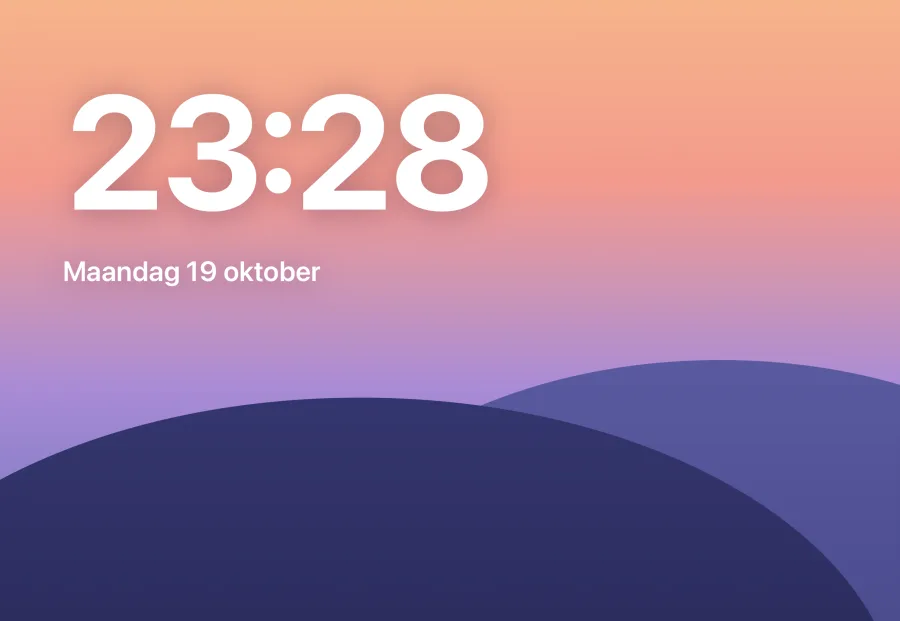
Clock. A large clock, with ticks, numbers or digital.
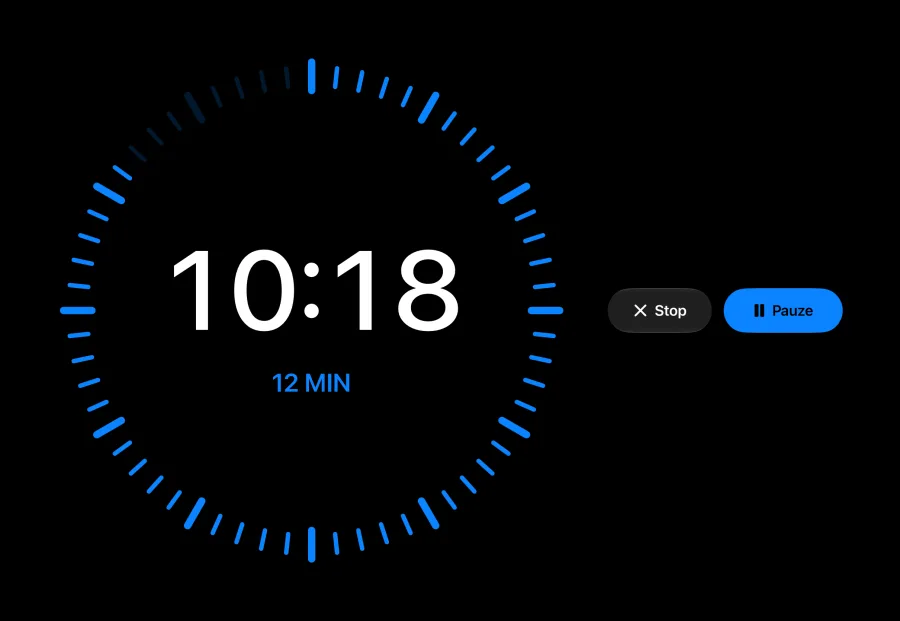
Timer. A kitchen timer you can read from across the room.
Flow. A calm, moving background with the time.
Controls. The devices you pick, by room or for the whole home, with the scenes below.
Cameras. All your cameras in one grid. Via Home Assistant.
With Home AssistantCompanions. Screens that appear on their own when something happens, like the PS5 turning on. Via Home Assistant.
With Home AssistantFour colors per face.
Or your own.
Every face has styles, fonts and options. The clock alone has nine dials. Hold a face and swipe sideways to switch.
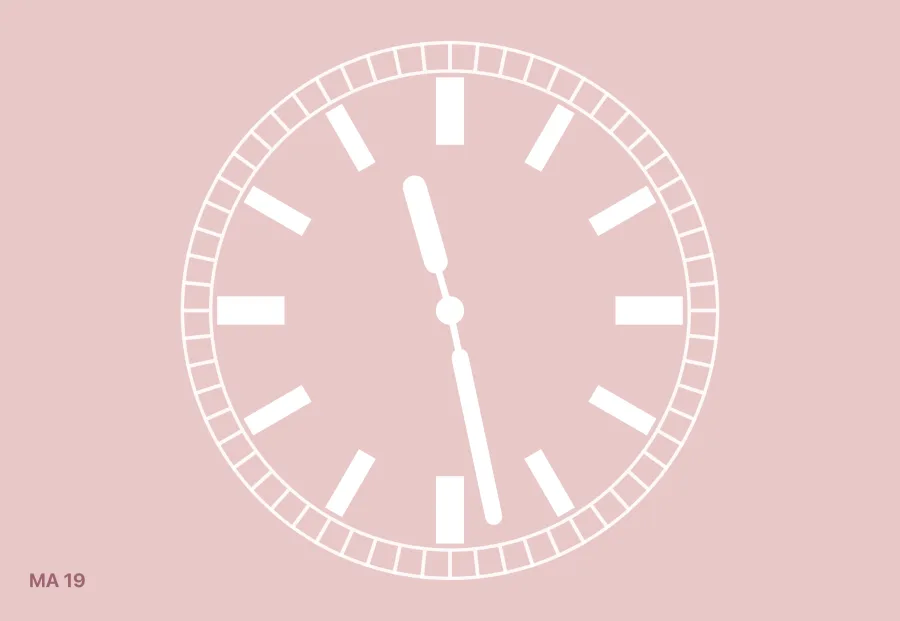
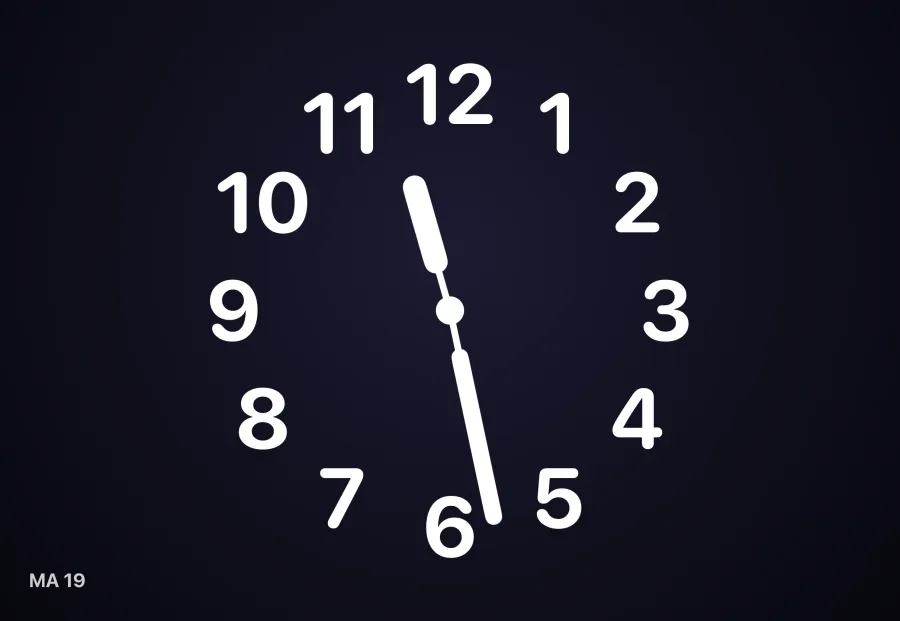

Widgets in four sizes.
Small, wide, tall or large.
On the home face you pick a size per widget; on Modular each slot has its fixed place.