Your Home app on a screen,
without Home Assistant.
Connect HomeKit and the devices and scenes from the Home app come to the iPad, as widgets next to the clock, the weather, your calendar and your photos. You don’t need Home Assistant.
Room by room, with the scenes below.
The controls face shows the devices you pick, by room or for the whole home. Tap for on or off.
Big enough for the couch.
Hold a tile and the device fills the whole screen: dim a light, open a blind halfway, unlock with a second tap.
Photos, clock and calendar too.
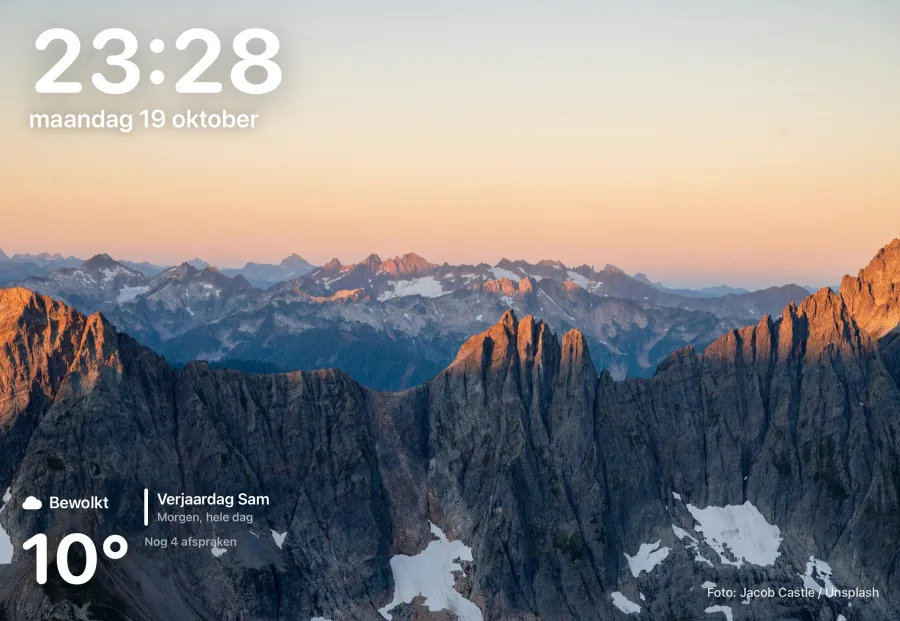
Photos from a shared iCloud album, your appointments and the weather come from the iPad itself. That doesn’t need Home Assistant either.
What you need
- An iPad with iPadOS 18 or later
- A home with devices in the Home app
Not yet
- Cameras from HomeKit
- Music on the iPad itself
- Companions with HomeKit
How to start
Step by step.
Questions
Lights, switches and outlets, fans, locks, blinds and garage doors, thermostats, sensors for temperature, humidity, contact and motion, and your scenes.
Yes, in Settings › Connections. Your faces stay as they are.