That iPad in the drawer
finally gets a job.
Stand it up in landscape, on the charger, and it becomes a screen that stays on all day: photos when nobody’s looking, the clock, the weather and your calendar. At night the screen goes dark, with a dim clock.
Photos when nobody’s looking.
Leave it alone for a while and it switches to your photos. From a shared iCloud album, so housemates can add photos from their phones.
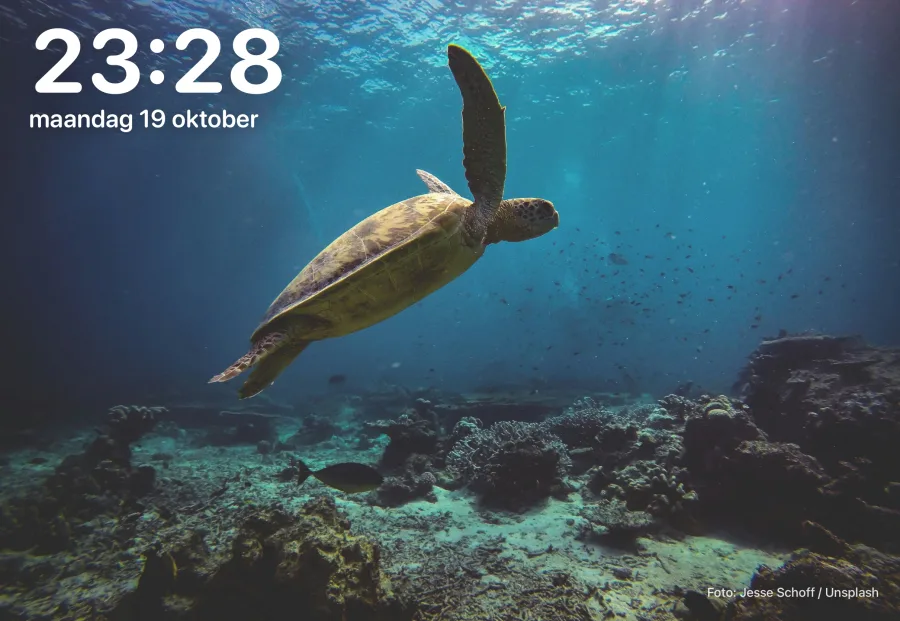
Swipe to what you want to see.
A large clock, the hourly weather, your calendar, a kitchen timer. You put every face together yourself.
Calm in the evening.
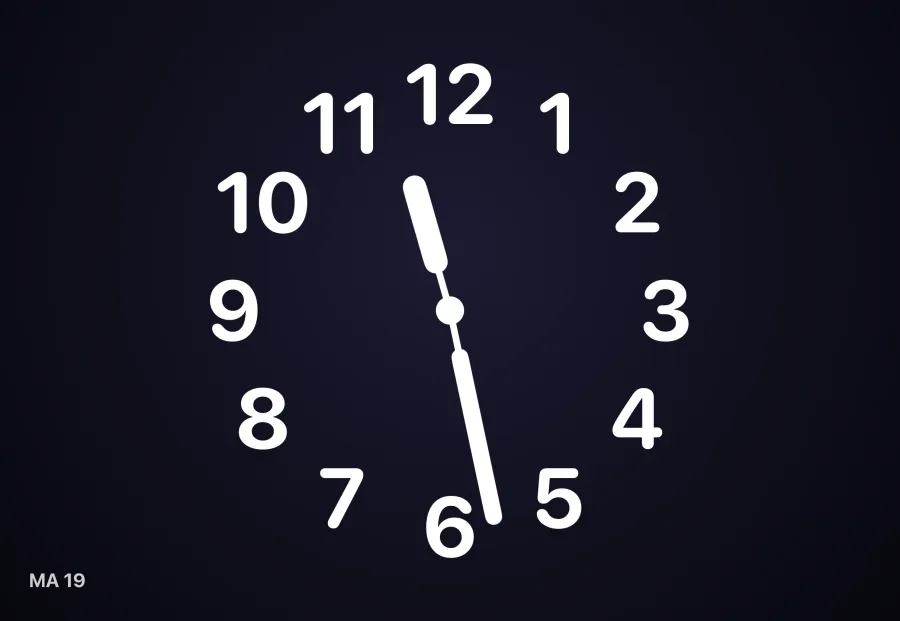
With the low-power evening mode, brightness goes down and animations and photo changes stop. At night the screen goes dark with a dim clock; one touch brings it back.
- An iPad with iPadOS 18 or later: iPad 7th generation and up, iPad Air 3rd generation and up, iPad mini 5th generation and up, iPad Pro from 2018. Check yours in Settings › General › About
- A charger it can stay on
- No smart home needed; you can connect HomeKit or Home Assistant later
Step by step.
Yes. Clock, weather, calendar, photos and the timer work right away. To see how the controls work without devices, you can turn on demo devices that only exist in the app.
No, while the app is open it stays on; that is why the iPad belongs on the charger. At night it does go dark with a dim clock, during the hours you choose.